

Smartphones have become indispensable in our lives, storing personal data, work information, and financial details. While their convenience is unmatched, they also present a security risk if not properly protected. With rising cyber threats, securing your phone has never been more critical. Following these best practices will help safeguard your data and keep your device secure.
Enable Strong Passwords or Biometrics
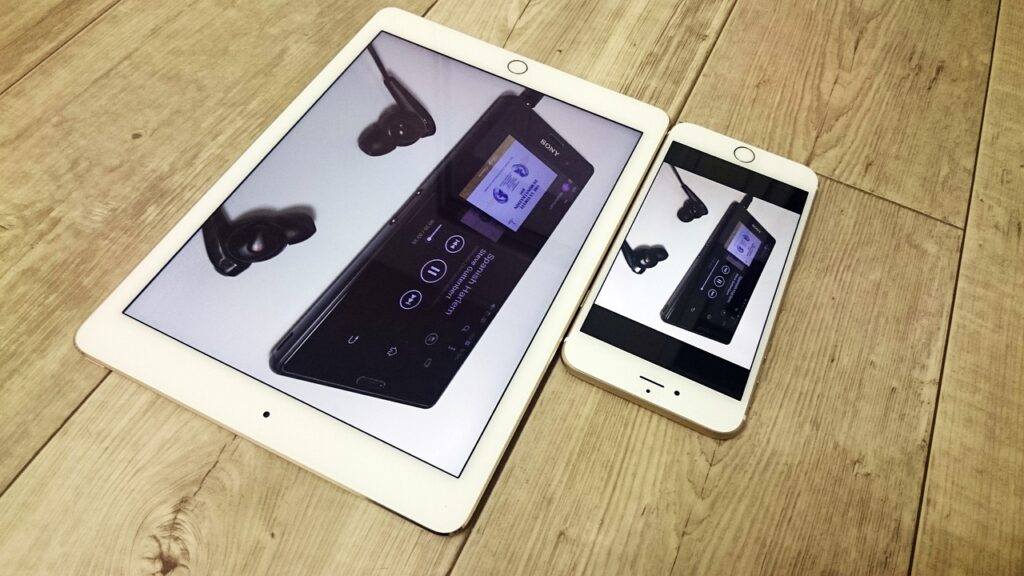
The first line of defense for phone security is setting up a strong password, PIN, or using biometric authentication like fingerprints or facial recognition. Simple, easy-to-guess passwords leave your phone vulnerable to unauthorized access. Opt for long, complex passwords or passcodes, and consider enabling biometrics for an added layer of security. Biometric features are much harder to bypass, making your phone more secure.
Keep Your Software Updated
Regular software updates are crucial for keeping your phone safe. Manufacturers frequently release updates that patch security vulnerabilities or improve system defenses. Ignoring these updates leaves your phone exposed to potential threats. Make sure you enable automatic updates, or check for them manually to ensure your device stays secure with the latest protections.
Many apps and services now offer two-factor authentication (2FA), which adds another level of security to your accounts. With 2FA enabled, you’ll need to provide not just your password but also a secondary form of authentication—such as a code sent to your phone—when logging in. This significantly reduces the risk of hackers gaining access to your accounts, even if your password is compromised.
Avoid Public Wi-Fi or Use a VPN
Public Wi-Fi networks are notorious for being unsecure, making them a prime target for hackers to intercept your data. Avoid connecting to public Wi-Fi whenever possible, especially for sensitive transactions like online banking. If you must use public Wi-Fi, make sure you connect through a virtual private network (VPN). A VPN encrypts your internet traffic, making it much harder for anyone to intercept your data.
One of the most common ways phones get infected with malware is through downloading malicious apps. To reduce this risk, only install apps from trusted sources like the Google Play Store or Apple’s App Store. Be wary of third-party apps or downloading APK files from unverified websites. Always check app permissions and reviews before downloading to ensure they are legitimate.
Regularly Backup Your Data
While this is more of a precautionary step than a direct security measure, regularly backing up your data ensures that you don’t lose important information if your phone is compromised. Cloud backups or external storage options can save your contacts, photos, and documents, protecting you from potential data loss caused by malware or phone theft.
In case your phone is lost or stolen, having the ability to remotely lock or erase its data can prevent unauthorized access. Both Android and iPhone offer features like “Find My Device” or “Find My iPhone” that allow you to track, lock, and wipe your phone remotely. Make sure these features are enabled and linked to your account, so you can act quickly if your phone is lost.
Be Cautious of Phishing Scams

Phishing attacks often target phone users through emails, text messages, or even phone calls. These attacks attempt to trick users into providing sensitive information like passwords or credit card details. Be cautious when clicking on links or downloading attachments from unknown sources. If a message or email seems suspicious, it’s best to verify its legitimacy before responding or providing any personal information.
Phone security should be a top priority for everyone in today’s digital age. By following these best practices—using strong passwords, keeping software up to date, enabling two-factor authentication, and using secure networks—you can protect your phone from cyber threats. Remember to install apps only from trusted sources, back up your data regularly, and stay vigilant against phishing attempts. With these steps, you can keep your phone and personal data secure.
Leave a Reply